

Kartra promises to replace seven separate tools with one subscription. I moved an actual sales funnel, opt-in page, email sequence, and checkout, onto it to see whether that promise holds up once you’re actually using it for real revenue, not just clicking through a demo.
Setting Up My First Funnel
I built a simple lead-magnet funnel: an opt-in page, a thank-you page, a 3-email follow-up sequence, and a low-ticket tripwire offer with checkout. The page builder is drag-and-drop, genuinely no code needed, and Kartra ships with a real library of pre-built templates so you’re customizing rather than starting from a blank canvas.
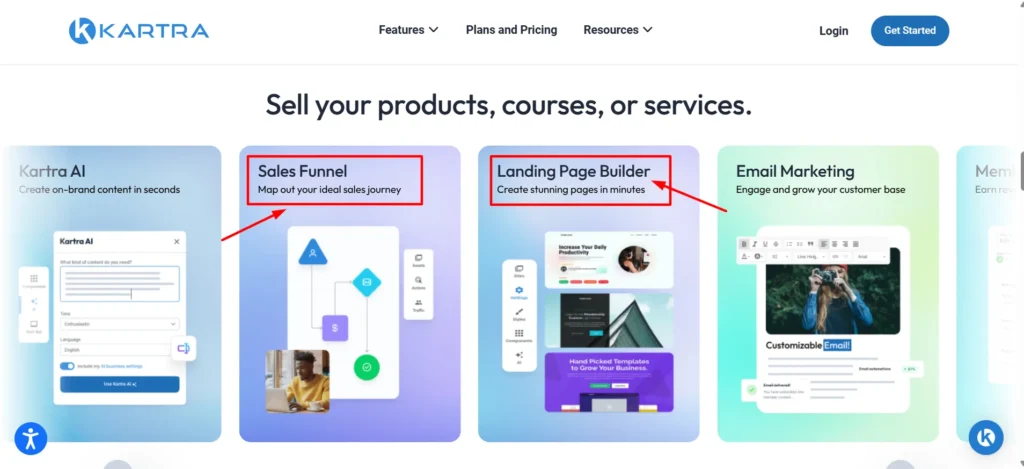
Here’s my honest first impression: it’s powerful, but it’s not as intuitive as some newer, simpler tools I’ve used. There’s a real learning curve, more menus, more settings, more ways to configure the same thing, that reflects Kartra trying to genuinely do everything rather than doing one thing exceptionally simply.
I got my funnel live in about half a day, longer than I expected going in, but once I understood the structure, adding a second funnel took a fraction of that time.
The Email and Automation Side
This is where Kartra genuinely earned some credit from me. The automation builder (Kartra calls it “Sequences” and “Behavioral Adaptive Marketing”) lets you branch email sequences based on actual subscriber behavior, opened this, clicked that, purchased this, not just simple send-a-sequence logic.
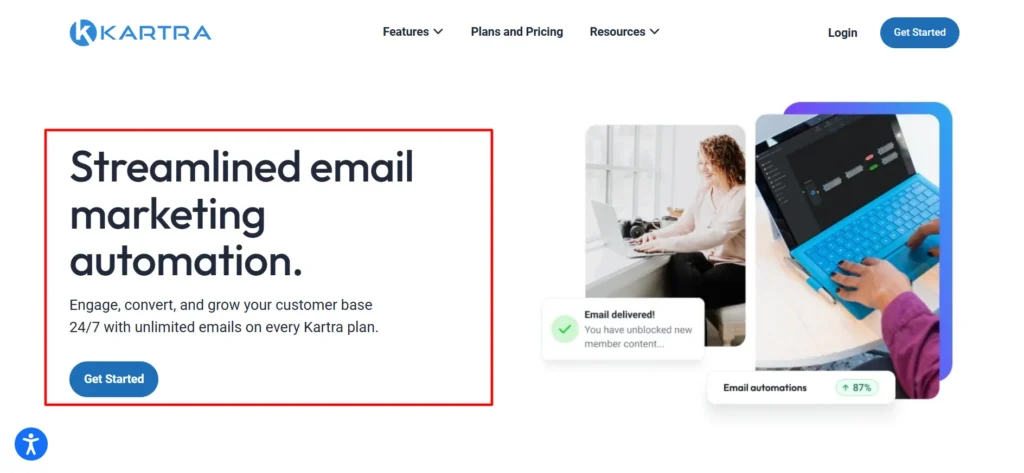
I set up a basic branch: subscribers who clicked my tripwire offer link but didn’t buy got a different follow-up than those who never clicked at all. That kind of behavioral branching used to require a genuinely separate, more expensive tool in my experience, and having it built into the same platform as my pages and checkout is a real, practical time-saver.
Courses and Memberships
I also tested the membership and course-hosting side, dropping in a short 4-lesson mini-course behind a paywall. Course structure, drip content, progress tracking, all worked as expected.
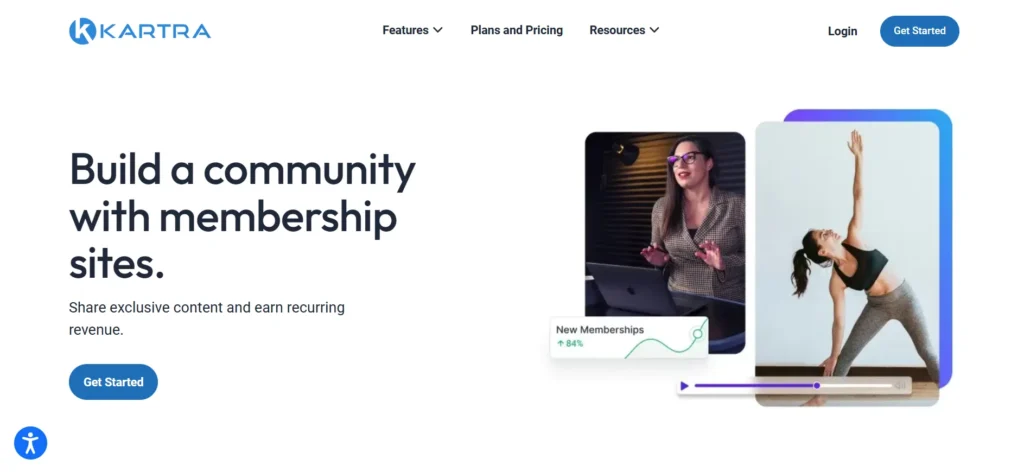
The catch, and it’s a real one I want to flag clearly: quizzes, certificates, and Kartra’s more advanced course features are locked behind the Growth plan specifically, not available on the cheaper Essentials or Starter tiers. If you’re a course creator specifically, budget for Growth from the start rather than assuming a cheaper tier covers what you need.
The Transaction Fee I Almost Missed
Here’s something worth knowing before you pick a plan based purely on the sticker price: Kartra’s entry-level Essentials plan charges a 5% transaction fee on every sale you process through the platform. That’s not a small detail.
If you’re selling meaningful volume, that fee alone can cost more than simply upgrading to Starter, which removes it entirely. I did the math on my own test tripwire offer, at even modest monthly sales volume, the fee ate into margin more than I expected before I actually sat down and calculated it.
Checkout and Cart
The checkout experience felt polished and trustworthy, which matters a lot for actual conversion. Order bumps, one-click upsells, and downsells all built in natively, no separate cart tool needed. I tested a simple order bump on my tripwire offer and had it live in a few minutes.
Video Hosting
Kartra includes its own video hosting (KartraVideo), letting you embed video directly into pages or emails with built-in engagement tracking, seeing exactly where viewers drop off.
I used this for a short sales video on my tripwire page, and having playback analytics without a separate tool like Wistia or Vimeo built in was a genuine convenience.
Support and Help Desk
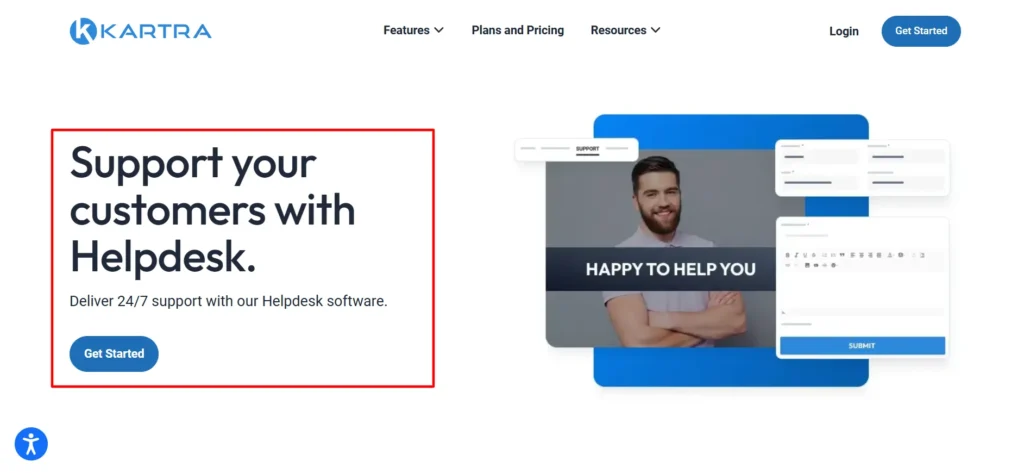
Kartra includes a built-in help desk feature (Kartra Helpdesk), letting you manage customer support tickets from the same dashboard as everything else, a detail that’s easy to overlook but genuinely useful if you’re running customer support and marketing from a single small team without a dedicated support tool.
Free Trial: The $1 Test Drive
Kartra’s trial isn’t quite free, you pay $1 for 14 days of full access, a small authorization charge rather than a truly free trial.
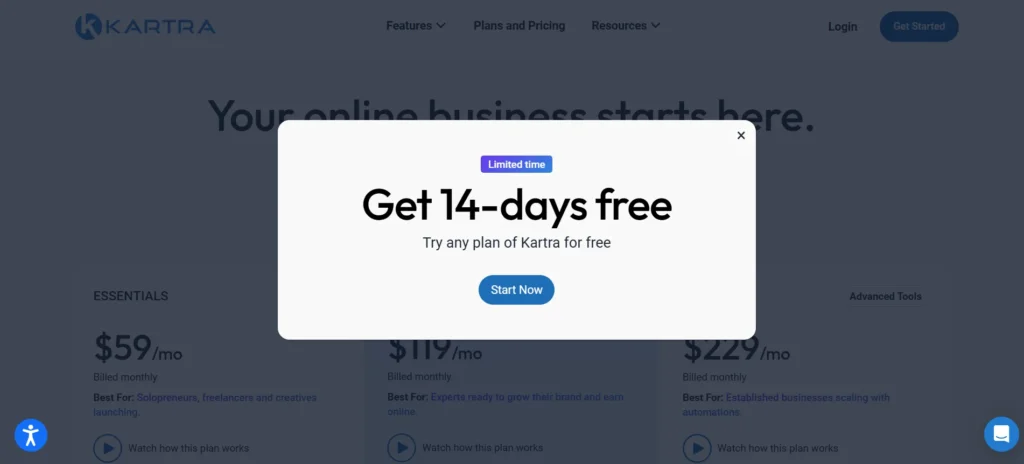
I appreciated that it gave genuine full-feature access rather than a stripped demo, which let me actually build and test the full funnel described above before committing to a paid plan. There’s also a 30-day money-back guarantee on paid plans if you commit and change your mind shortly after.
Affiliate Management
One feature I didn’t expect to find genuinely useful: Kartra includes a built-in affiliate management system, letting you recruit and pay affiliates to promote your products directly from the same dashboard.
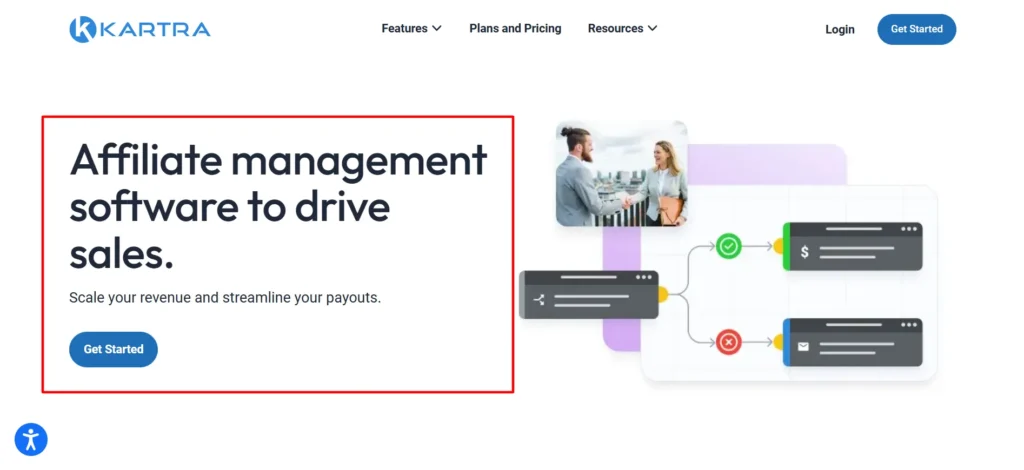
I set up a basic affiliate program for my tripwire offer, with custom commission rates and affiliate tracking links generated automatically. For creators who eventually want to build an affiliate-driven sales channel, not having to bolt on a separate affiliate platform (and pay for one) is a genuine advantage over funnel tools that don’t include this natively.
Team Access and Agency Use
Starter and above include multiple team member seats with role-based permissions, useful if you’re not running this solo. I tested adding a second user with limited access, restricted from billing and account settings but able to edit pages and email sequences, and the permission granularity felt appropriately careful rather than all-or-nothing.
For agencies managing funnels on behalf of clients, this team structure plus the all-in-one nature of the platform means less juggling between separate tool logins per client.
Integrations With Other Tools
Even with everything bundled natively, I still needed a couple of outside connections, my existing Zapier-connected CRM and a payment processor beyond Kartra’s built-in options. Kartra supports direct Stripe and PayPal integration for payments, plus Zapier for connecting to tools outside its ecosystem.
It’s not a fully closed system, which matters if you have existing tools you’re not ready to fully migrate away from.
Who Genesis Digital’s Other Products Tell You About the Company
Worth knowing if you’re evaluating Kartra as a long-term platform bet: Genesis Digital also owns WebinarJam and EverWebinar, both genuinely established products in their own right rather than side projects. That gives some confidence the company isn’t a single-product startup that could disappear if Kartra specifically underperforms, there’s a broader, profitable product suite behind it.
How Kartra Compares to Simpler Alternatives
If your business model is genuinely simple, one course, one email sequence, no complex behavioral branching, Kartra is probably more platform than you need, and a simpler tool will feel less overwhelming and cost less.
Where Kartra earns its price is for businesses running actual multi-step funnels with behavioral email branching, multiple products, and membership content all at once. The all-in-one integration genuinely saves money and complexity once you’re using enough of what it offers to justify replacing several separate subscriptions.
What Kartra Actually Is
Kartra is built and operated by Genesis Digital, LLC, founded in 2013 by Andy Jenkins and Mike Filsaime, well-known figures in the online marketing world before starting the company.
The team actually launched WebinarJam first, then EverWebinar, before Kartra itself went public in 2018 after two years of internal development and testing. Genesis Digital is headquartered in Las Vegas, Nevada, runs on a team of roughly 100 to 120 people, and by the company’s own account, has helped users collectively earn over $1.5 billion in revenue through the platform.
Leadership has changed hands over the years, Andy Jenkins passed away in 2021, and Darren Hakeman was named CEO in 2024.
The core idea is genuinely appealing on paper: instead of stitching together a funnel builder, email service, membership platform, checkout system, video host, help desk, and affiliate manager separately, you run everything from one dashboard.
Pros and Cons of Kartra
Pros
- Genuinely replaces multiple separate tools: funnels, email, checkout, courses, video hosting, help desk
- Behavioral email branching based on actual subscriber actions is a real, practical differentiator
- Checkout with native order bumps and upsells felt polished and conversion-ready
- Built-in video hosting with engagement analytics saved me a separate subscription
- $1 trial gives genuine full-feature access, not a stripped demo
- 30-day money-back guarantee reduces the risk of committing
Cons
- Real learning curve, more complex than simpler single-purpose tools
- Entry-level Essentials plan carries a 5% transaction fee that can cost more than upgrading once you’re selling meaningfully
- Quizzes, certificates, and advanced course features are locked behind the pricier Growth plan
- No permanent free plan, and the “free” trial requires a $1 charge upfront
- Pricing sits at the higher end for solo creators just starting out
FAQs: Kartra Review
Is there a genuinely free way to try Kartra?
Not entirely free, but close. You get 14 days of full-feature access for a $1 authorization charge, which I found gave real, unrestricted access to test an actual funnel before paying full price.
Does Kartra charge transaction fees on sales?
Only on the entry-level Essentials plan, which carries a 5% fee. Starter and above remove it entirely. If you’re selling any meaningful volume, that fee is worth factoring into which plan actually makes financial sense.
Is Kartra good for course creators specifically?
It can be, but check plan limits carefully. Quizzes, certificates, and more advanced course features are locked behind the Growth plan, not the cheaper Essentials or Starter tiers, a detail that surprised me during testing.
How steep is Kartra’s learning curve compared to simpler funnel tools?
Real, in my experience. It took me about half a day to get comfortable enough to build my first full funnel, longer than simpler single-purpose tools, but that reflects genuinely broader functionality, not poor design.
Can I get a refund if Kartra doesn’t work out for my business?
Yes, there’s a 30-day money-back guarantee on paid plans, giving real room to back out if it’s not the right fit after committing.
Is Kartra worth it if I only need email marketing and a simple opt-in page?
Probably not on its own merits. If your needs are genuinely that simple, a lighter, cheaper tool will likely serve you better and feel less overwhelming. Kartra earns its price once you’re running actual multi-step funnels, courses, and behavioral automation together.
Does Kartra include video hosting, or do I need a separate tool?
It’s included natively (KartraVideo), with built-in playback and engagement analytics, genuinely useful if you don’t want to pay for a separate video host like Wistia alongside your funnel tool.
Can I connect Kartra to tools I’m already using, like my CRM or Zapier?
Yes. Kartra supports direct Stripe and PayPal integration for payments and connects to outside tools through Zapier, so you’re not fully locked into only Kartra-native features.
Does Kartra include an affiliate management system?
Yes, built directly into the dashboard. I set up custom commission rates and tracking links for my own test offer without needing a separate affiliate platform, a genuine convenience if you plan to build an affiliate sales channel eventually.